
The sale shows up in the Transfer Center
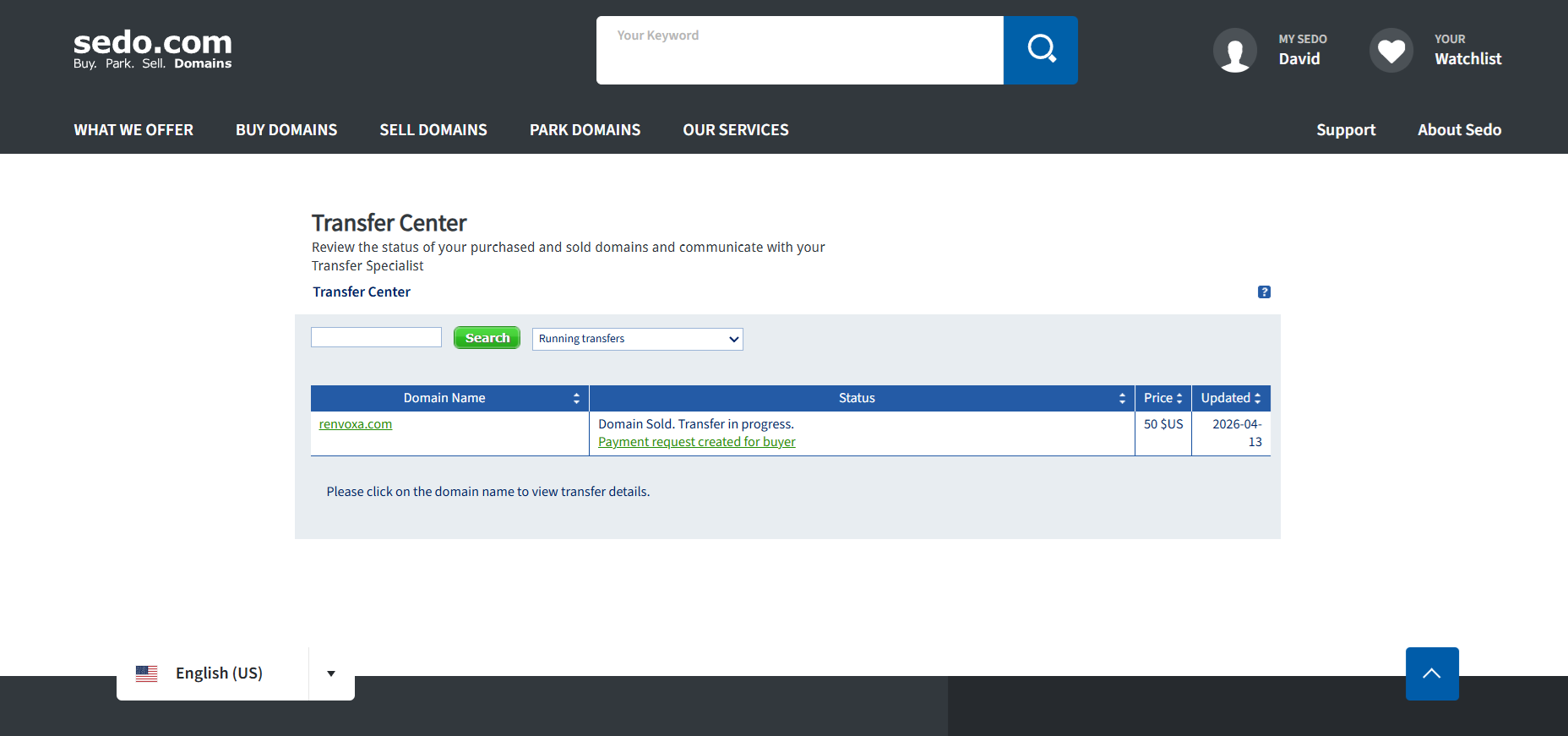
Sedo drops sold domains into a “Transfer Center.” In the screenshot you can see renvoxa.com, which I sold for 50 US dollars.
What Sedo needs from you
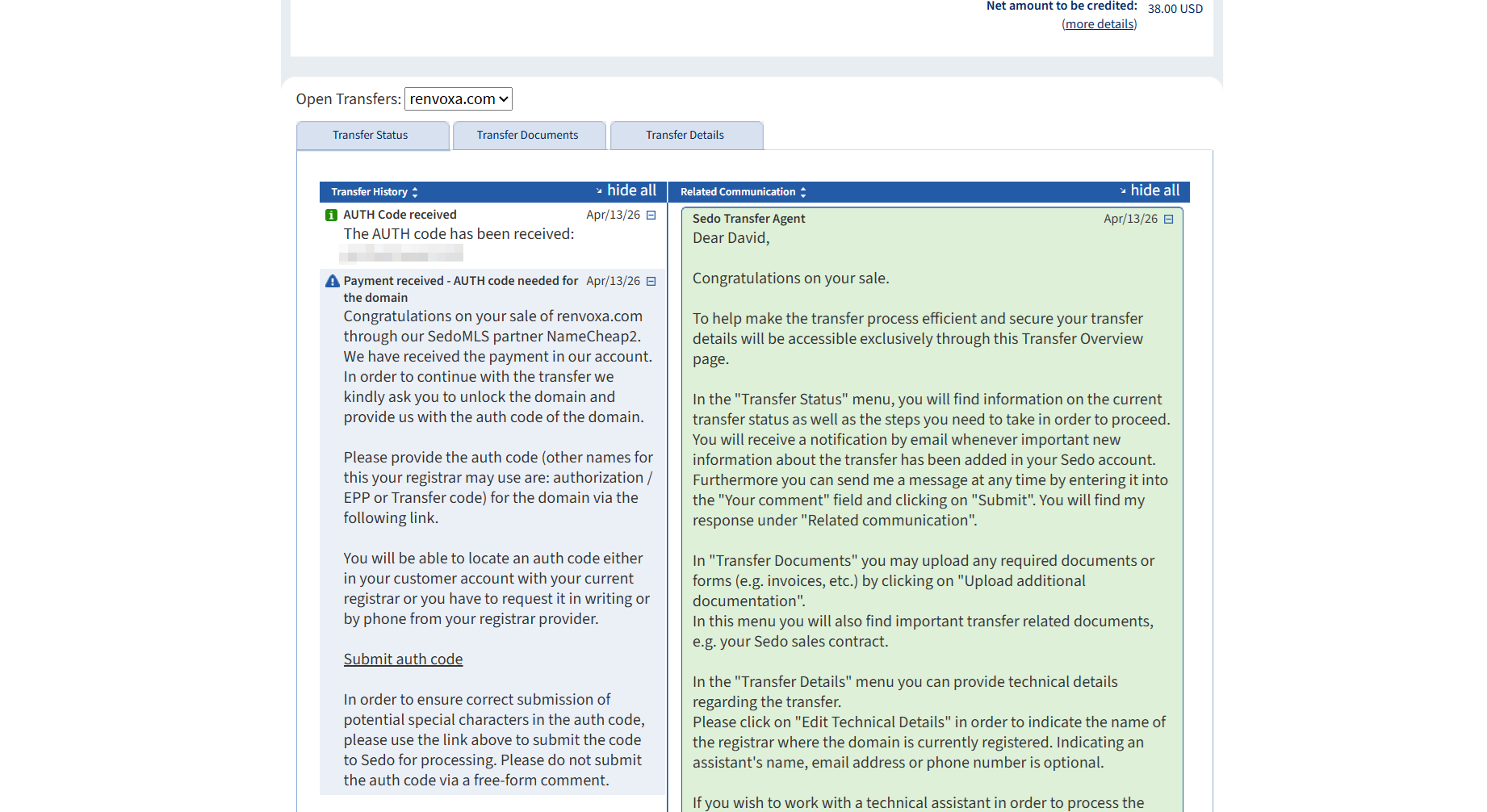
Open the transfer and Sedo lays it out: it has the buyer's payment, and now needs you to unlock the domain and submit the auth code. Two things worth knowing here. First, submit the code through Sedo's dedicated “Submit auth code” link, not by typing it into a free-form comment, or it may not register properly. Second, you will notice the auth code is blacked out in my screenshot, and yours should stay just as private. The auth code is the key that authorizes a transfer, so anyone who gets hold of it can try to pull your domain to themselves. Never paste it anywhere public.
Unlock and grab the auth code at Porkbun
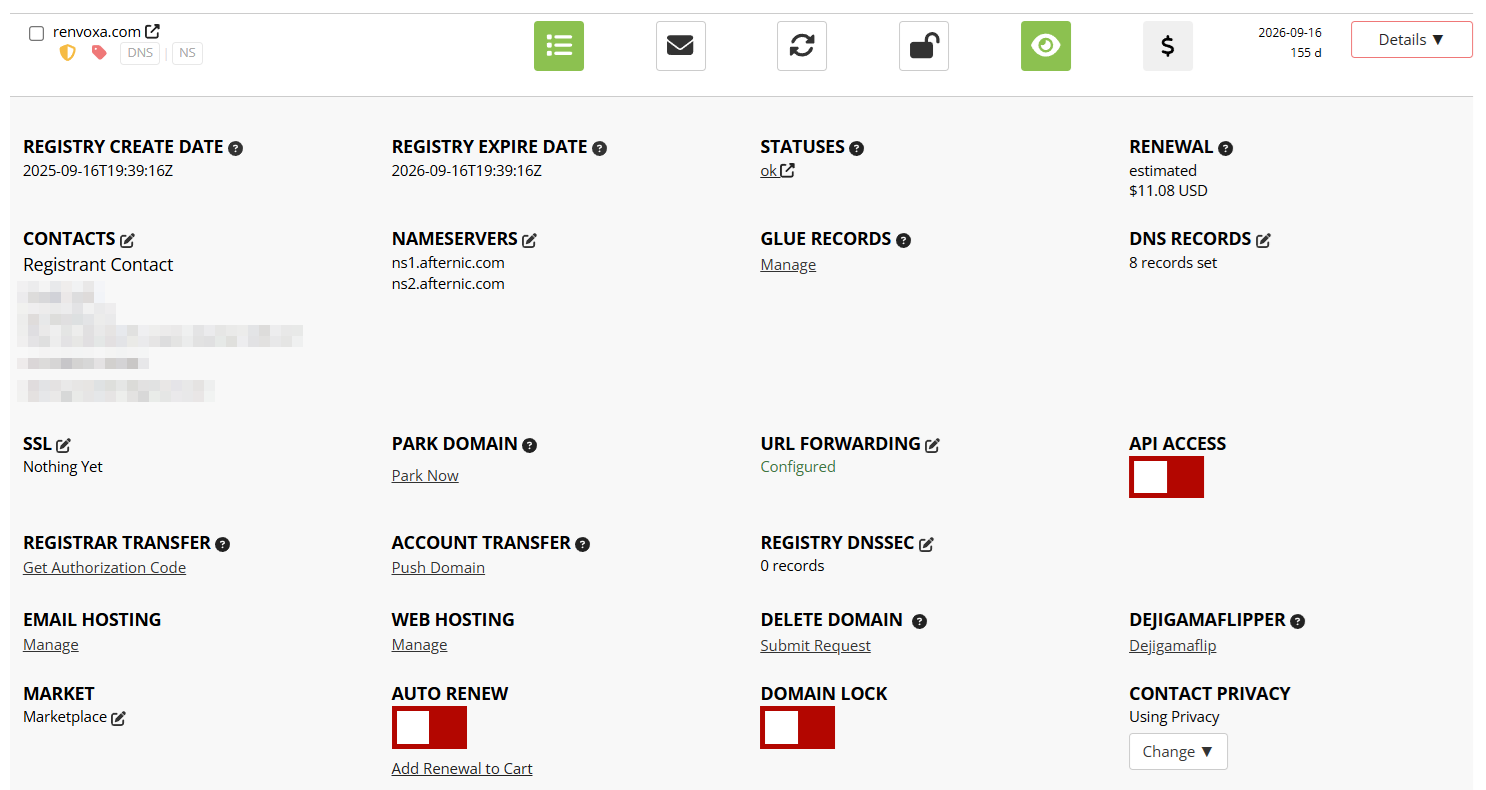
Same as any transfer out of Porkbun: open the domain's detail page, flip off the Domain Lock, and copy the code under “Get Authorization Code.”
Paste it into Sedo's Submit auth code form and you are done. Sedo's Transfer Agent handles the rest and messages you through the same page if anything comes up.
The money
renvoxa.com sold for $50 and Sedo credited me $38, so it kept $12, roughly a quarter. A gentler cut than Afternic took on my other sale, though this one went through a SedoMLS partner network, which is where most Sedo volume comes from.
| Item | Amount |
|---|---|
| Sale price | $50.00 |
| Sedo commission | −$12.00 |
| Net credited | $38.00 |
Figures from my sale in April 2026. Commission rates and interfaces change over time, so check current terms before you list.
Afternic vs Sedo, from one seller
Two $50 sales, days apart, both transferred out of Porkbun:
| Marketplace | Sale | You keep | Effective cut |
|---|---|---|---|
| Afternic | $50 | $32.50 | ~35% |
| Sedo | $50 | $38.00 | ~24% |
Sedo kept less here, but that is my setup, not a universal rule. Afternic can drop to about 15% if you point your domain at GoDaddy's aftermarket nameservers, which is below Sedo's 20% partner-network cut. Reach differs too: Afternic's is wider, so it sells names Sedo will not. I list on both and let each do its thing. The full Afternic walkthrough is here.
Stuck on any step here? I have been through this a few times now, so reach me at and I will try to help.